
You got an email to activate your account! 📥
1- Login:
Visit http://app.runnr.ai/accounts/login/ to access the Runnr.ai account.Log in using your credentials to reach your accommodation’s dedicated dashboard.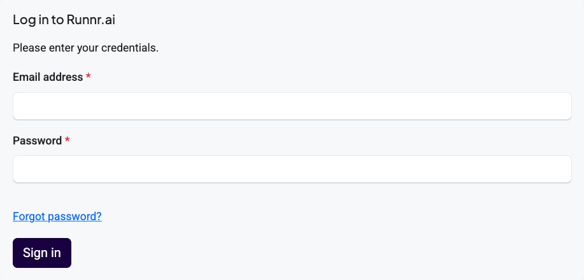
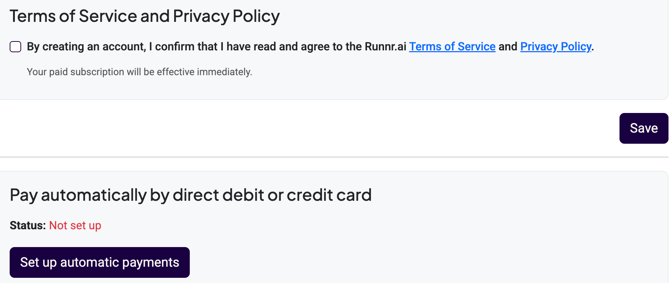
2- Accept terms and conditions
Click "save" and next "set up automatic payment" find the payment options available in this linkThis action opens the platform
3- Go to to the settings ⚙️ to prepare the content for your AI.
You can divide the content completion in two main sections:
3.1- Frequently asked questions: Please skip "guest space" until we meet and complete your PMS connection is
You've the option through these tabs to add additional information and context to the AI by clicking the +info buttons across the various tabs. You can add as much additional information sections as you need; the more the better as this give the AI more to create the best answer best on the guest specifics scenarios . 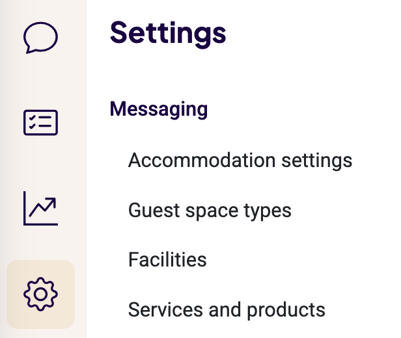
⚠️ Important: when adding content is good that you to skip the use of "we" "you" or any other personal pronoun; you're talking to the AI, no the the guest; please keep things dry and informational.The AI does not know know who is you or we.
3.2- Button responses: This is your window to the customer 🗣️
These are static buttons (the AI cannot overwrite them), and you have full control over them. You can customize the buttons, add images, and adjust the tone of voice to guide guests in the direction you prefer. This is a particularly important area for you.
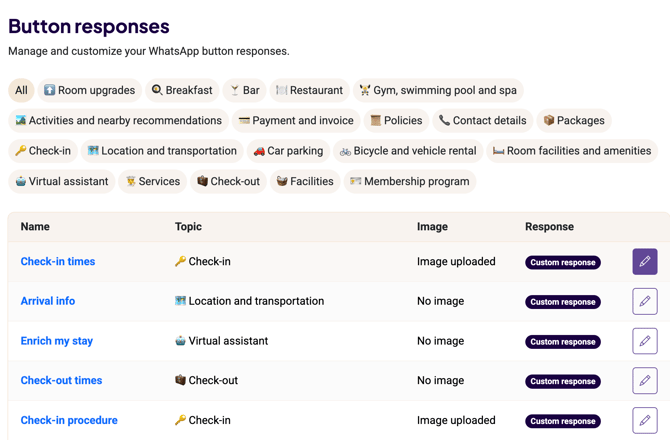
⚠️ You'll find buttons have already some information based on your accommodation settings filled data. However, please click on "set a custom response" to make them personal; the use of "we" and "you" here is preferred as this will be seen exactly as written by your guests.
Continue for the tooling setup here.